

Firestick With IPTV Installation Guide
Installation Steps Section
How to Setup Firestick With IPTV
1
Prepare Your Firestick Device
Before starting your firestick with iptv setup, connect your Amazon Fire TV Stick to a stable internet connection and make sure your device software is updated. Keep your IPTV login details ready before installing your IPTV player.
Install the Downloader App
To continue your firestick with iptv setup, open the Amazon App Store on your Fire TV Stick and search for the Downloader app. Install this free application, which allows you to download and install IPTV players on your Firestick device.
Download IPTV Player on Firestick
After installing the Downloader app, continue your firestick with iptv setup by downloading a compatible IPTV player. Enter the provided download link, install the IPTV app, and prepare it for adding your IPTV subscription details.
Enter Your IPTV Login Details
To complete your firestick with iptv setup, open the IPTV player and enter your IPTV subscription details. Add your username, password, and server URL or choose an available login method such as Xtream Codes API or M3U playlist to connect your account.
Start Watching IPTV on Firestick
Once your login details are added, your firestick with iptv setup is complete. The IPTV player will automatically load your channels, movies, and TV shows. You can now enjoy your IPTV subscription on your Fire TV Stick.
Update Your IPTV Player Settings
For a better firestick with iptv experience, open your IPTV player settings and customize your preferences. You can adjust video quality, enable automatic updates, organize your favorite channels, and improve playback performance on your Fire TV Stick.

IPTV Installation Guide for Android Devices
Installation Steps Section
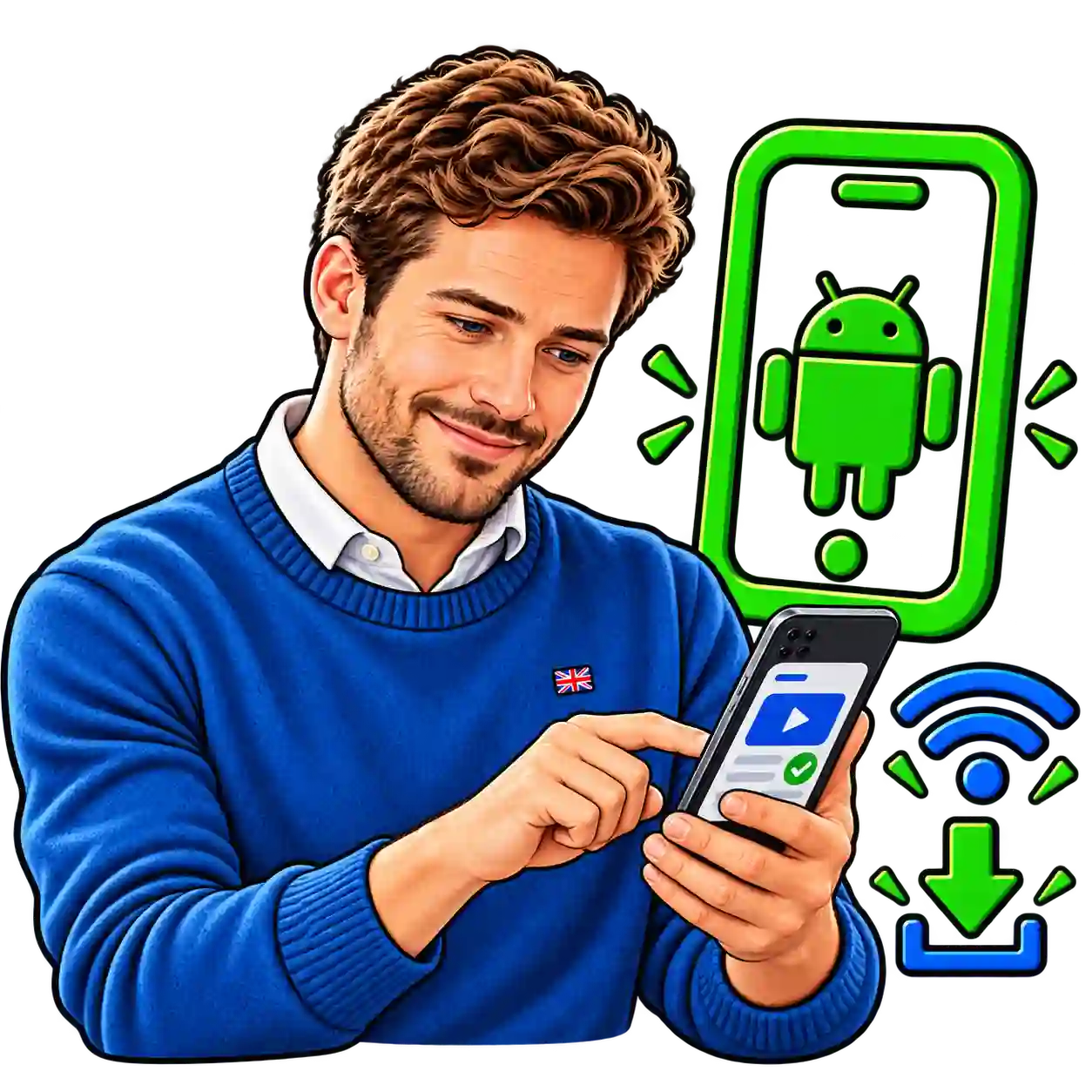
How to Setup IPTV on Android
1
Prepare Your Android Device
Before starting your IPTV for Android setup, make sure your Android phone, tablet, or Android TV device is connected to a stable internet connection and has enough storage space to install an IPTV player.
Install the Downloader App
Download a compatible IPTV player from the Google Play Store to continue your IPTV for Android installation. Popular IPTV players support Xtream Codes API and M3U playlist login methods.
Open the IPTV App and Login
Launch the IPTV player and enter your IPTV subscription details, including username, password, and server URL. Make sure all information is entered correctly to connect your IPTV service.
Load Your IPTV Channels
After successful login, the IPTV app will automatically load your live TV channels, movies, and series. You can organise favourites and customise your viewing settings.
Start Streaming IPTV on Android
Your IPTV for Android setup is now complete. Enjoy your IPTV subscription on your Android device with smooth playback and easy access to your favourite content.vice.
IPTV Installation Guide for iphone
Installation Steps Section
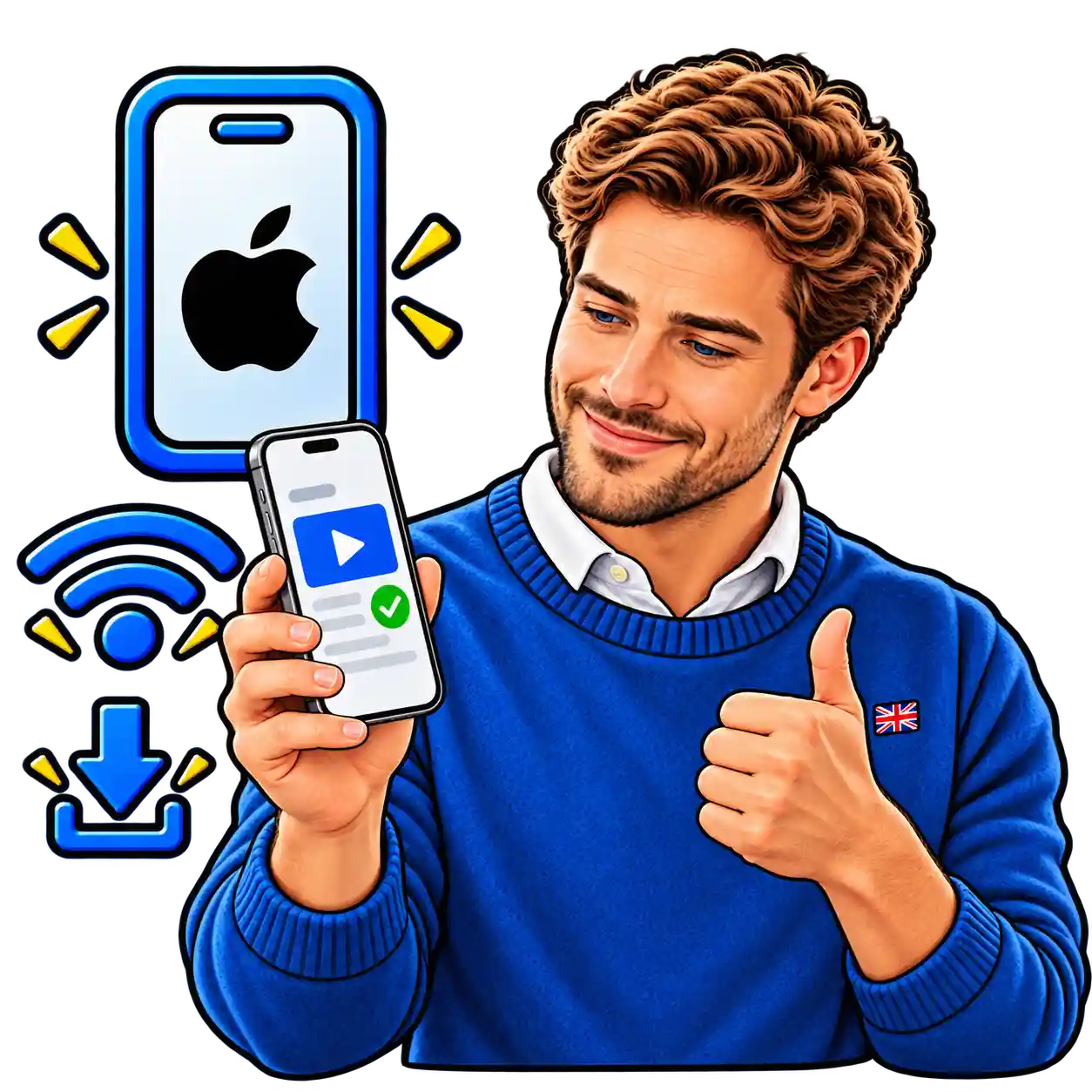
How to Setup IPTV on iPhone
1
Prepare Your iPhone Device
Before starting your IPTV for iPhone setup, make sure your iPhone is connected to a stable internet connection and updated to the latest iOS version. Keep your IPTV login details ready before installing the IPTV app.
Install an IPTV Player App
Download a compatible IPTV player from the Apple App Store to continue your IPTV for iPhone installation. Choose an app that supports Xtream Codes API or M3U playlist login.
Add Your IPTV Subscription Details
Open the IPTV player app and enter your IPTV username, password, and server URL. Make sure your details are correct to connect your IPTV subscription successfully.
Load Your IPTV Channels
After logging in, the IPTV app will automatically load your live TV channels, movies, and series. You can create favourites and adjust settings for a better viewing experience.
Start Watching IPTV on iPhone
Your IPTV for iPhone setup is complete. You can now watch your IPTV subscription on your iPhone anytime with a smooth and simple streaming experience.
IPTV for Apple TV Installation Guide
Installation Steps Section
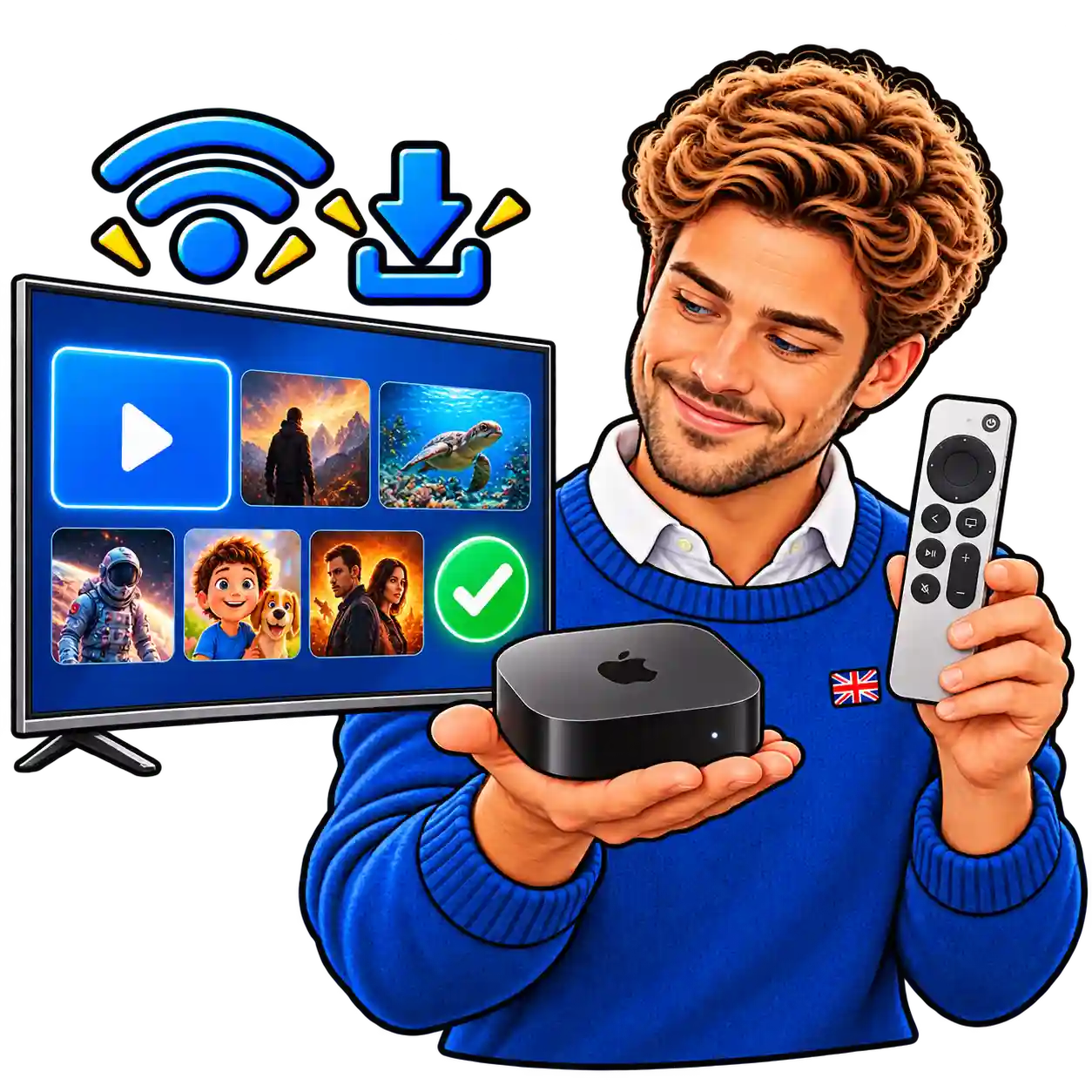
How to Setup IPTV on Apple TV
1
Prepare Your Apple TV Device
Before starting your IPTV for Apple TV setup, connect your Apple TV to a stable internet connection and make sure the device software is updated. Keep your IPTV subscription details ready before installing the IPTV app.
Install an IPTV Player App
Open the Apple App Store on your Apple TV and download a compatible IPTV player. Choose an app that supports IPTV login methods such as Xtream Codes API or M3U playlist.
Add Your IPTV Subscription Details
Open the IPTV player and enter your IPTV username, password, and server URL. Make sure all details are correct to connect your IPTV subscription successfully on Apple TV.
Load Your IPTV Channels
After successful login, the IPTV app will sync your live channels, movies, and series automatically. You can organise favourites and adjust settings for a better streaming experience.
Start Watching IPTV on Apple TV
Your IPTV for Apple TV setup is now complete. Enjoy your IPTV subscription with smooth playback and easy access to your favourite entertainment on Apple TV.
IPTV for Smart TV Installation Guide
Installation Steps Section
IPTV for Smart TV Installation Guide
1
Prepare Your Smart TV Device
Before starting your IPTV for Smart TV setup, connect your Smart TV to a stable internet connection and make sure the software is updated. Check that your TV supports IPTV apps before continuing the installation.
Install an IPTV Player App
Open your Smart TV app store and search for a compatible IPTV player. Download an IPTV app that supports your device and allows you to add your IPTV subscription details.
Add Your IPTV Login Details
Open the IPTV player and enter your IPTV username, password, and server URL. You can use supported login methods such as Xtream Codes API or M3U playlist to connect your subscription.
Load Your IPTV Channels
After entering your details, the IPTV app will connect to your account and load your live TV channels, movies, and series. You can customise your channel list and favourites.
Start Watching IPTV on Smart TV
Your IPTV for Smart TV setup is complete. Enjoy your IPTV subscription on your Smart TV with easy access to live channels and entertainment content.
Firestick With IPTV FAQs

What is Firestick With IPTV?
Firestick with IPTV allows you to watch live TV channels, movies, and series through an IPTV service using your Amazon Fire TV Stick. You only need an IPTV player app and your subscription login details to complete the setup.
How do I setup Firestick With IPTV?
To setup Firestick with IPTV, install a compatible IPTV player, enter your subscription details, and connect your account. Our step-by-step guide helps you complete the Firestick with IPTV installation easily.
Can I use IPTV on Amazon Fire TV Stick?
Yes, you can use IPTV on Amazon Fire TV Stick by installing an IPTV player app and adding your IPTV subscription details. Firestick with IPTV is one of the most popular ways to stream IPTV content.
Why is my Firestick with IPTV buffering?
Firestick with IPTV buffering can happen because of slow internet speed, app issues, or device performance. Restarting your Firestick, checking your connection, and updating your IPTV player can help improve playback.
Which IPTV player works best with Firestick?
Many IPTV players work with Firestick, including IPTV Smarters Pro, TiviMate, and other compatible applications. Choose a player that supports your preferred IPTV login method.
How long does it take to setup Firestick With IPTV?
Setting up Firestick with IPTV usually takes only a few minutes. After installing the IPTV player and entering your subscription details, your Firestick will be ready to stream live channels, movies, and series.
READY TO START?
Ready to Start Your Firestick With IPTV Setup?
Choose your IPTV subscription with IPTVTrialUK or start your free trial today and enjoy live TV channels, movies, and series on your favourite device, including Firestick, Android, iPhone, Apple TV, and Smart TV.